

Enable directory sync
Use Directory Sync to automatically synchronize user accounts and group membership between your enterprise identity provider and Middesk. It provides a single source of truth for directory data so you maintain accurate, up-to-date access without managing users in two places.
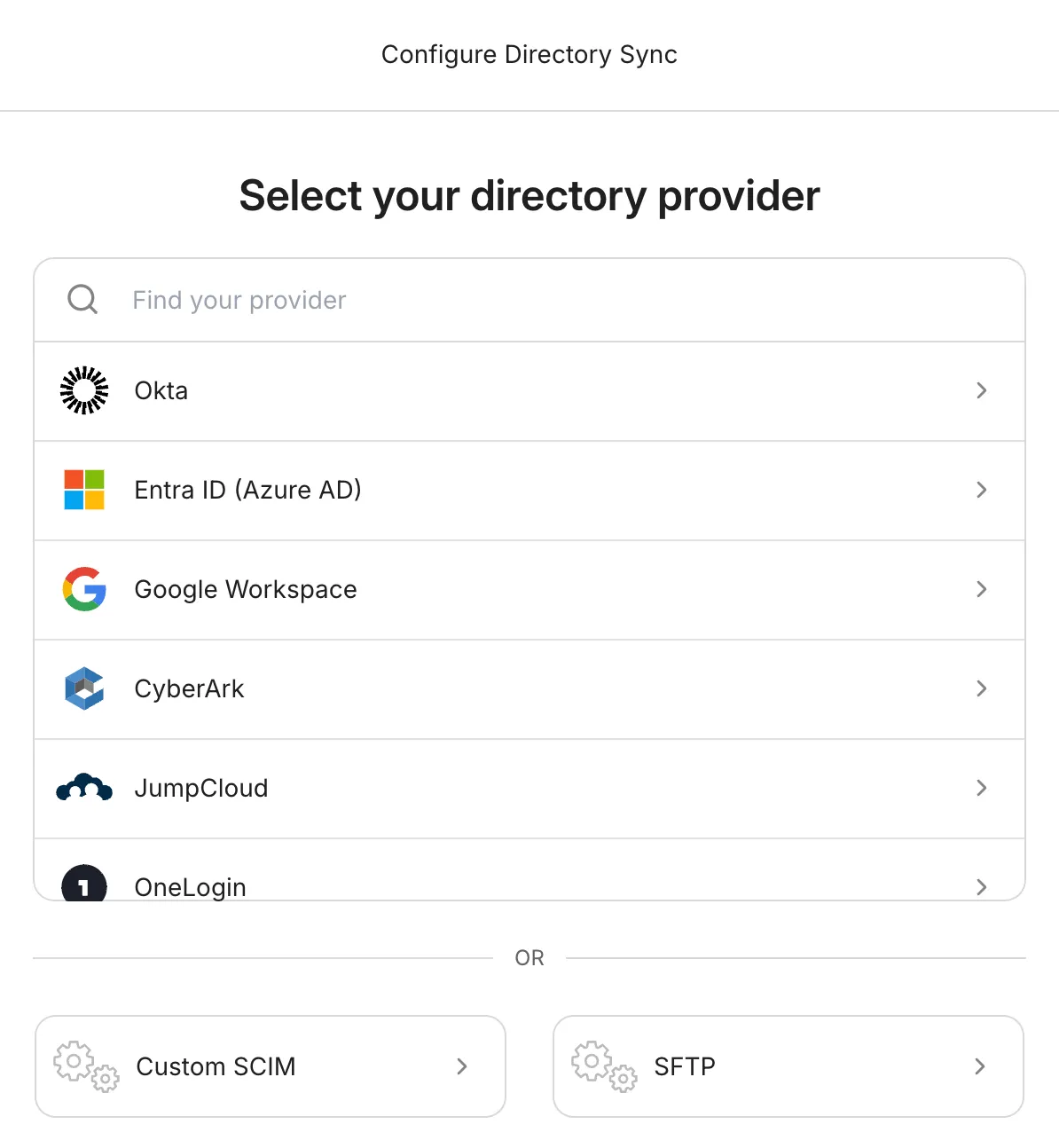
Directory Sync supports the most common identity providers — including Okta, Azure AD, JumpCloud, and Google Workspace — through a guided setup, plus custom SAML 2.0 and OpenID Connect integrations for everything else.
After you connect a provider, Middesk provisions matching users in your account and keeps membership in sync as people are added, moved between groups, or deprovisioned in your IdP. New hires gain access automatically, and offboarded users lose it without a manual step.
Enable directory sync
Open Directory Sync configuration
Under Directory Sync, click Configure.
There’s a guided setup process available to help you configure Directory Sync with many of the most popular identity providers. For more advanced configurations, you can also configure a custom SAML or OpenID Connect integration.
After you’ve successfully set up the connection, Middesk begins creating the corresponding users in your Middesk account.